I wanted to try my hand at using OpenAI's DALL·E API to generate an image and then mint that image as an NFT as a learning experience. The DALL E model API is still in beta which becomes obvious pretty quickly after playing with it for a few minutes. I look forward to seeing this progress over the next couple of years. Imagine merging OpenAI's ChatGPT with DALL E for AI-generated prompts generating AI-generated images and (maybe one day) video. It's both scary and exciting at the same time. The whole process was surprisingly simple. I created my OpenAI account and bought $20 worth of credits to play with. I was worried about how expensive each image was but found $20 difficult to spend. I ran through ~30 different prompts to generate over 300 images and only spent $7. I recommend generating at least 5-10 images per prompt to get a sense of the variety the AI has to offer before defaulting to adjusting your prompt.
Generating the image with OpenAI
I opted to use orhanerday's open-ai PHP SDK. After spinning up a LAMP instance on AWS Lightsail, it was a quick install with Composer:
composer require orhanerday/open-ai
Once installed, grab your API key from your OpenAI account and the rest is straightforward:
<?php
require '/vendor/autoload.php';
use Orhanerday\OpenAi\OpenAi;

$open_ai = new OpenAi('<api_key>');

$complete = $open_ai->image([
  "prompt" => "3d render of a cat astronaut floating in space with rainbow lasers shooting from behind.", //Your prompt can be up to 1000 characters long
  "n" => 10, //The count of results you want to produce
  "size" => "1024x1024", //The size of the images you want to produce. 256x256, 512x512, or 1024x1024 are the only options avail.
  "response_format" => "url", //Retrun the image URL or base64 ecoding of the image (as value b64_json)
]);

$response = json_decode($complete, true);

foreach($response['data'] as $image) {
  echo "<img src=\"".$image['url']."\"/><br />";
}
?>
While your prompt can be up to 1000 characters long, I found the AI got very confused after a few hundred characters and the output became nearly impossible to tweak unless you just wanted randomness. As mentioned above, I found it best to output at least 10 results for each prompt when tweaking. Anything less doesn't give you a full sense of what the AI is going to generate with your output so you're under-informed when making tweaks to your prompt. Lastly, the size doesn't really matter as a 256x256 run costs the same as 1024x1024. One output from the above sample prompt: 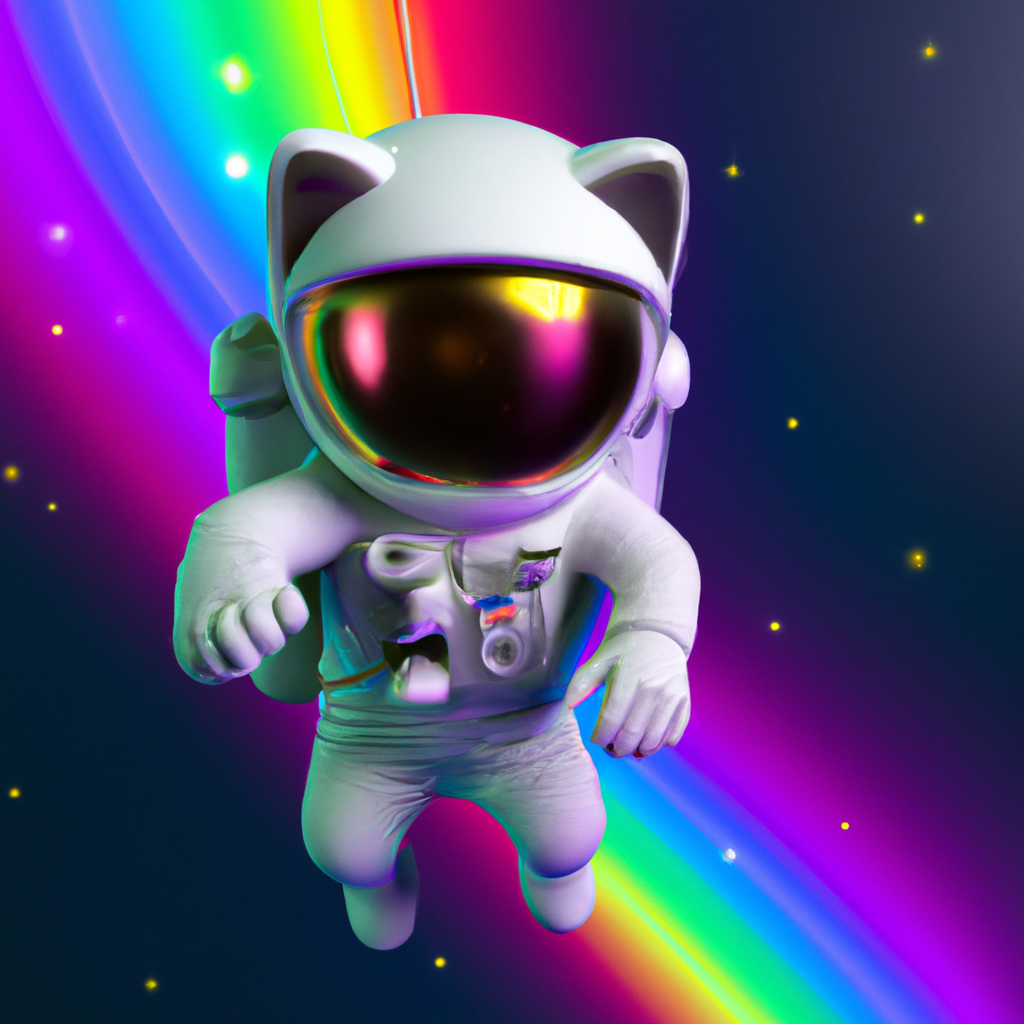
Minting the image as an NFT with OpenSea
I opted for the Polygon chain to avoid excessive gas fees on something this trivial. I connected my wallet app to OpenSea and created a new collection. With a few clicks, I had "minted" Space Cat!
Comments
No comments yet.
Leave a comment